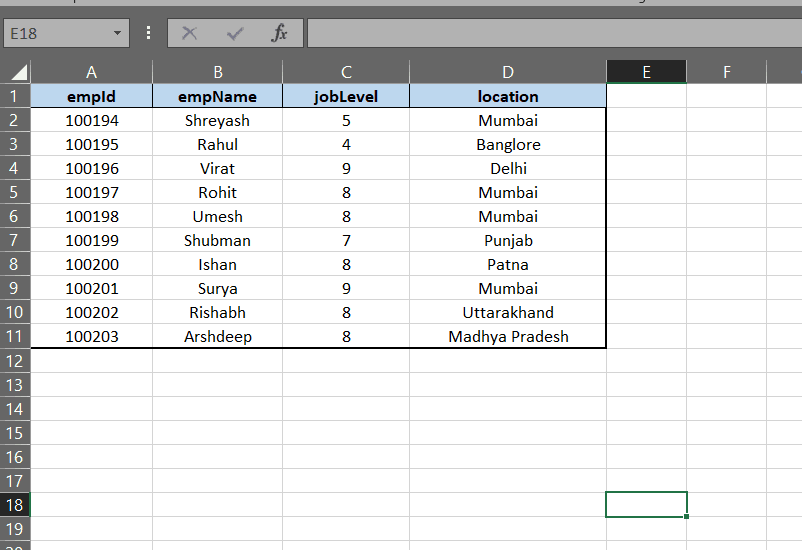
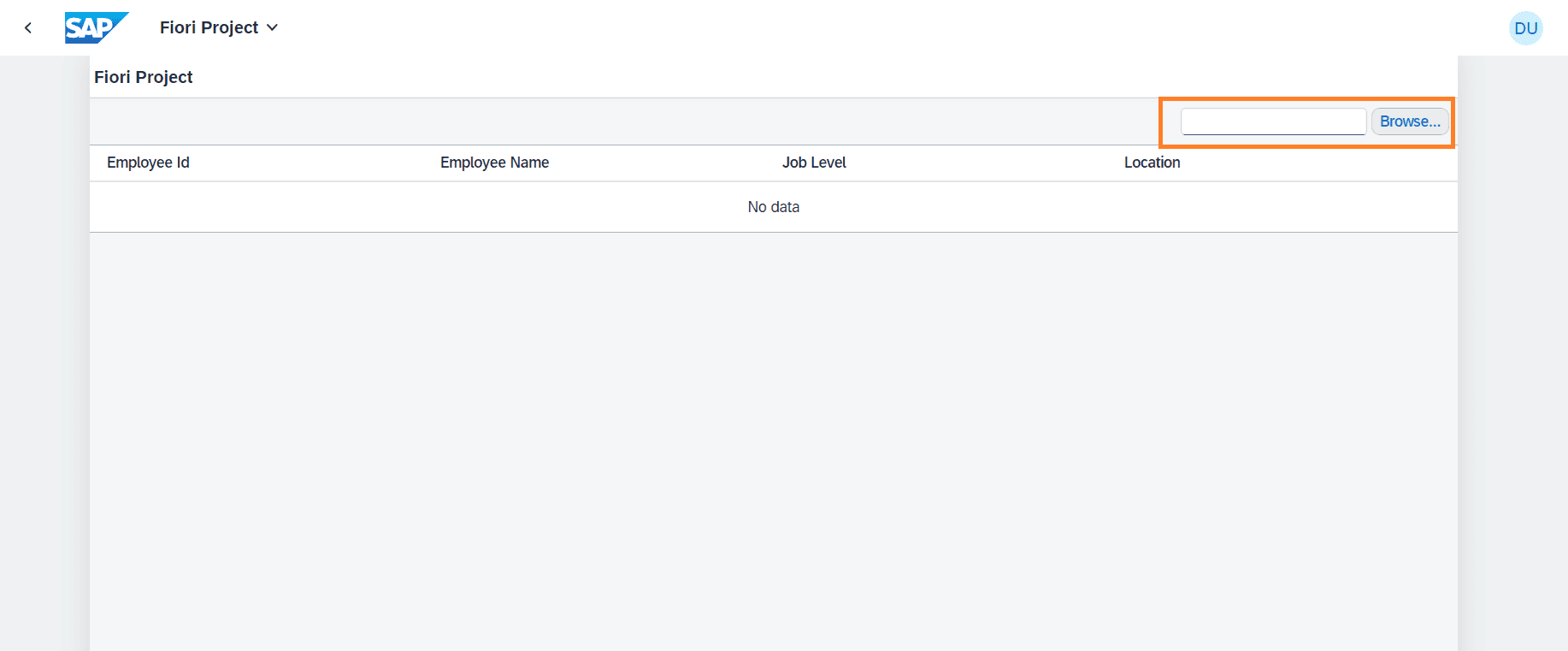
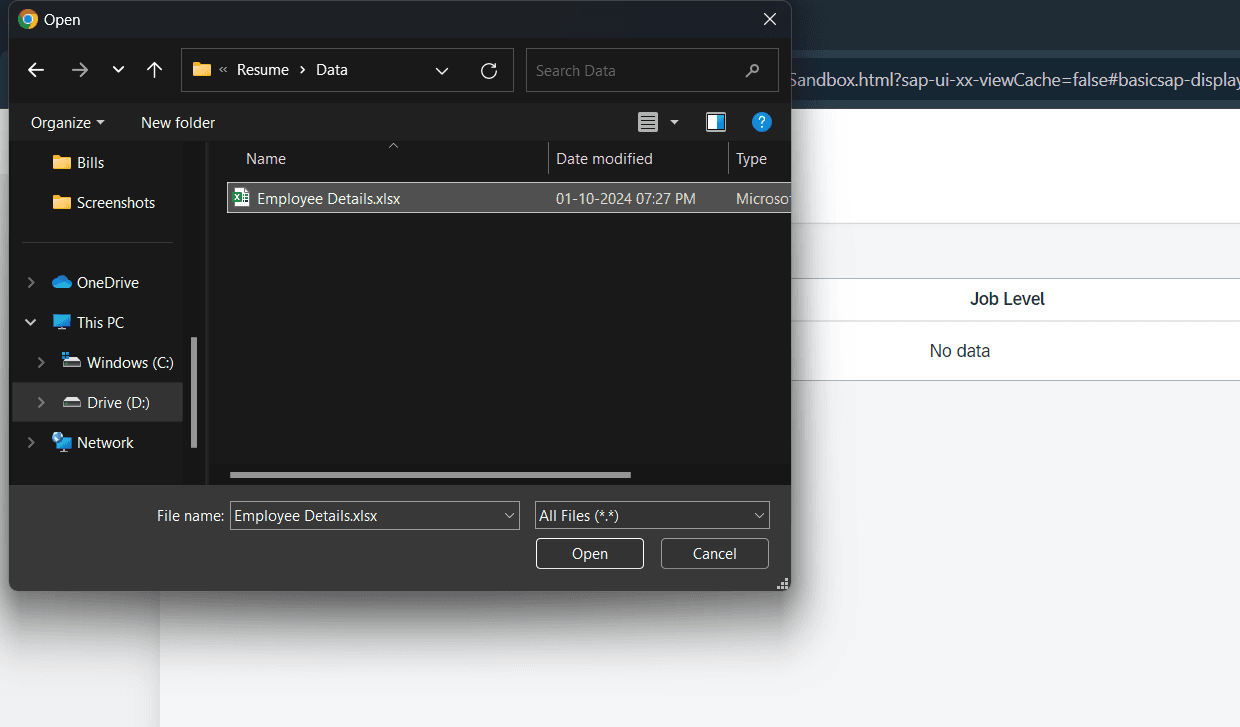
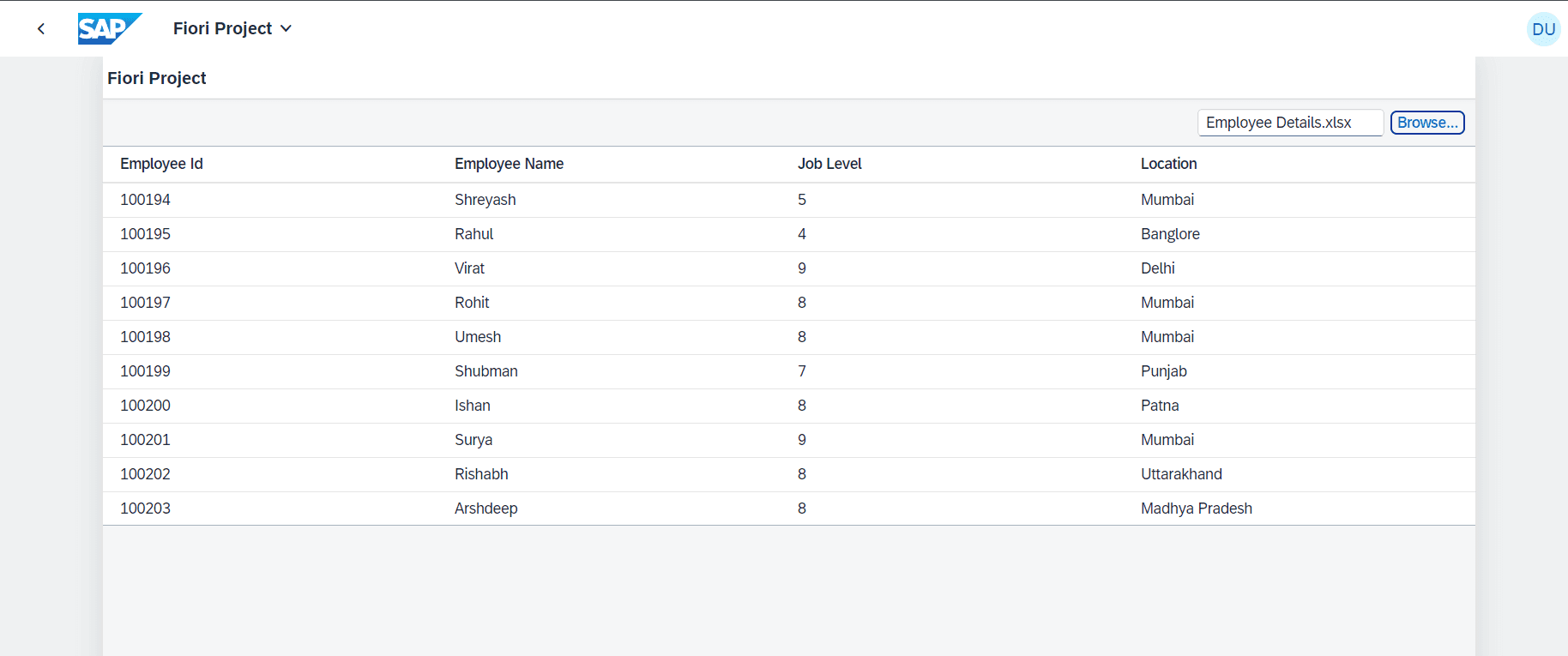
In this example, We will create an UI5 application which will import the excel sheet, read its data and display it in table.
We will be following below steps-
- 1. Create a Table in View and bind it with JSON Model.
- 2. Create and Configure JSON Model in manifest file.
- 3. Add required libraries in Controller file.
- 4. Define method on the Controller file to handle file upload.
Step 1 - Create a Table in View and bind it with JSON Model
In the View.xml file, create a table which will bind to JSON Model.
In our case we are using JSON Model named DataModel.
Do not forget to add the below sap library on the view.
So, your View will look like this.
Step 2 - Create and Configure JSON Model in manifest file
Firstly create a file named DataModel.json inside Model Folder.
Now, in the manifest.json file in model object, define the crated JSON model like below-
Step 3 - Add required libraries in Controller file
In the Controller.js file of the view, add the required libraries in the onInit method like below -
Step 4 - Define method on the Controller file to handle file upload
Now define the method to Handle the uploaded file.
And it is done !!!